By default, staff can see when a team member has approved leave on the leave calendar, but not the reason for the leave. Staff cannot click into another staff member's request to view any details, but can still view and edit their own requests as normal.
If you only want staff to be able to see their own leave, you can hide all other leave for non-leave approvers.
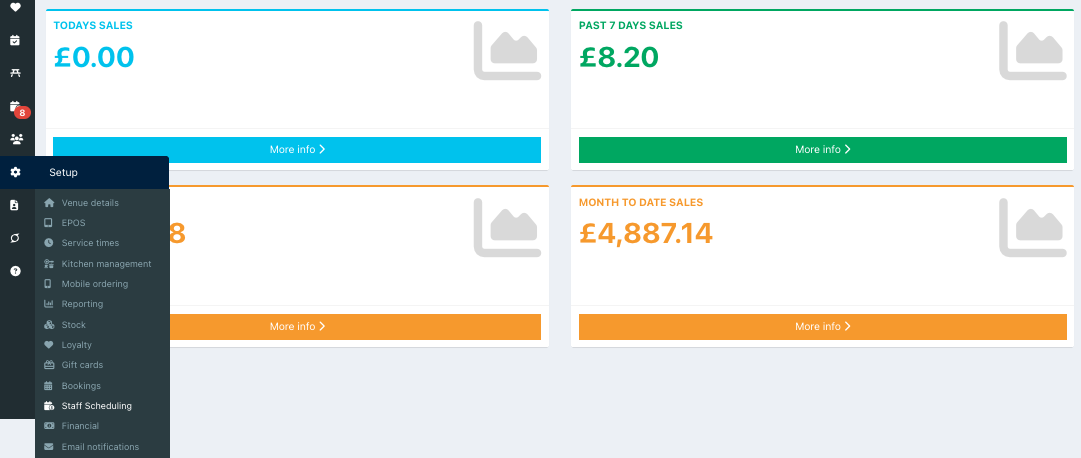
To hide approved leave from staff, go into the back office and select Setup > Staff scheduling.
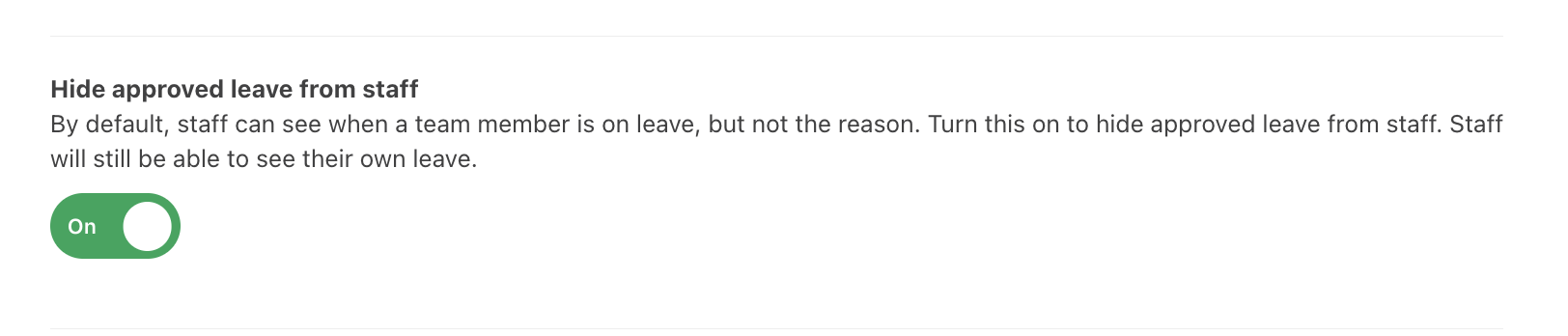
Locate the setting Hide approved leave from staff, and toggle this to On.
Click the blue Done button at the bottom of the screen to save your changes. Your staff will no longer be able to see approved leave.

Was this article helpful?
That’s Great!
Thank you for your feedback
Sorry! We couldn't be helpful
Thank you for your feedback
Feedback sent
We appreciate your effort and will try to fix the article