When you have enabled Face login and added photos of your users, your staff will be able to log in by the system recognising their face.
Users will either press a single button to login, or be logged in automatically if you have configured auto face login.
On the Login screen, a circular camera will display in the centre of the EPOS.
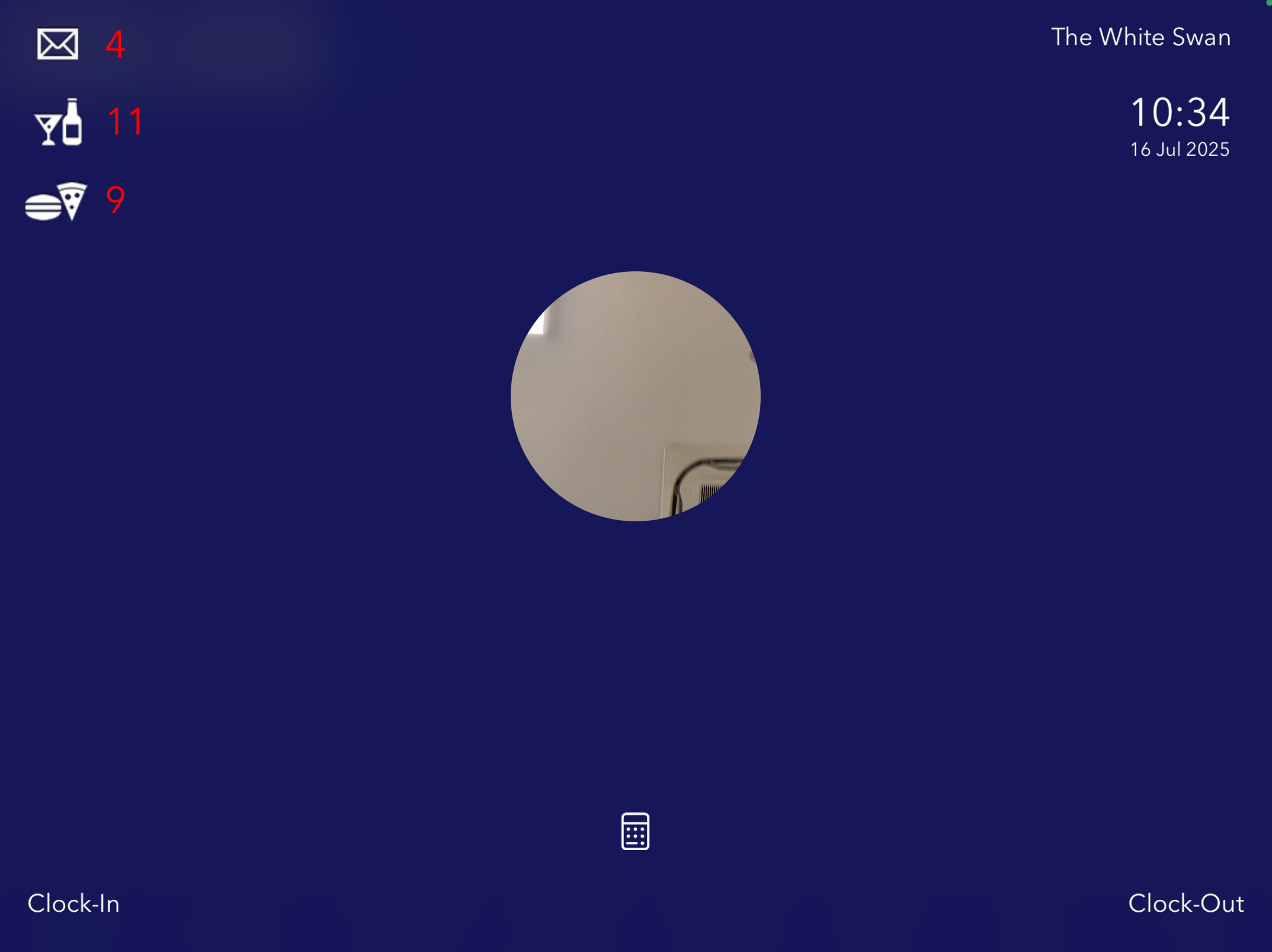
As soon as your face is in view of the camera, you will see a "Log in as..." button.
Or, ff you have auto face login enabled, you will be immediately logged in at this poiny
Note: If Face login is enabled, but you haven't yet added you photo, you can still log in using the Pin pad icon.
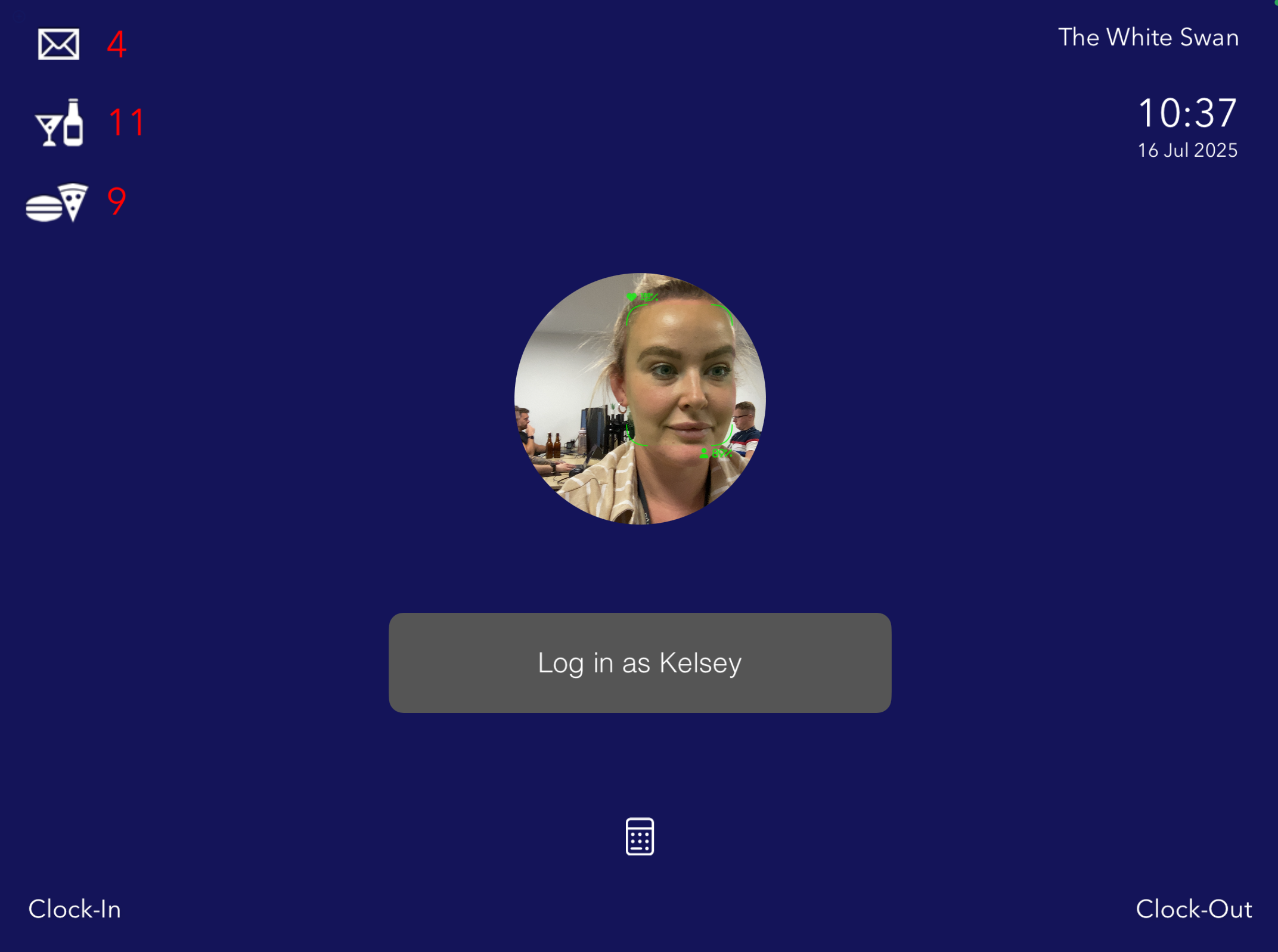
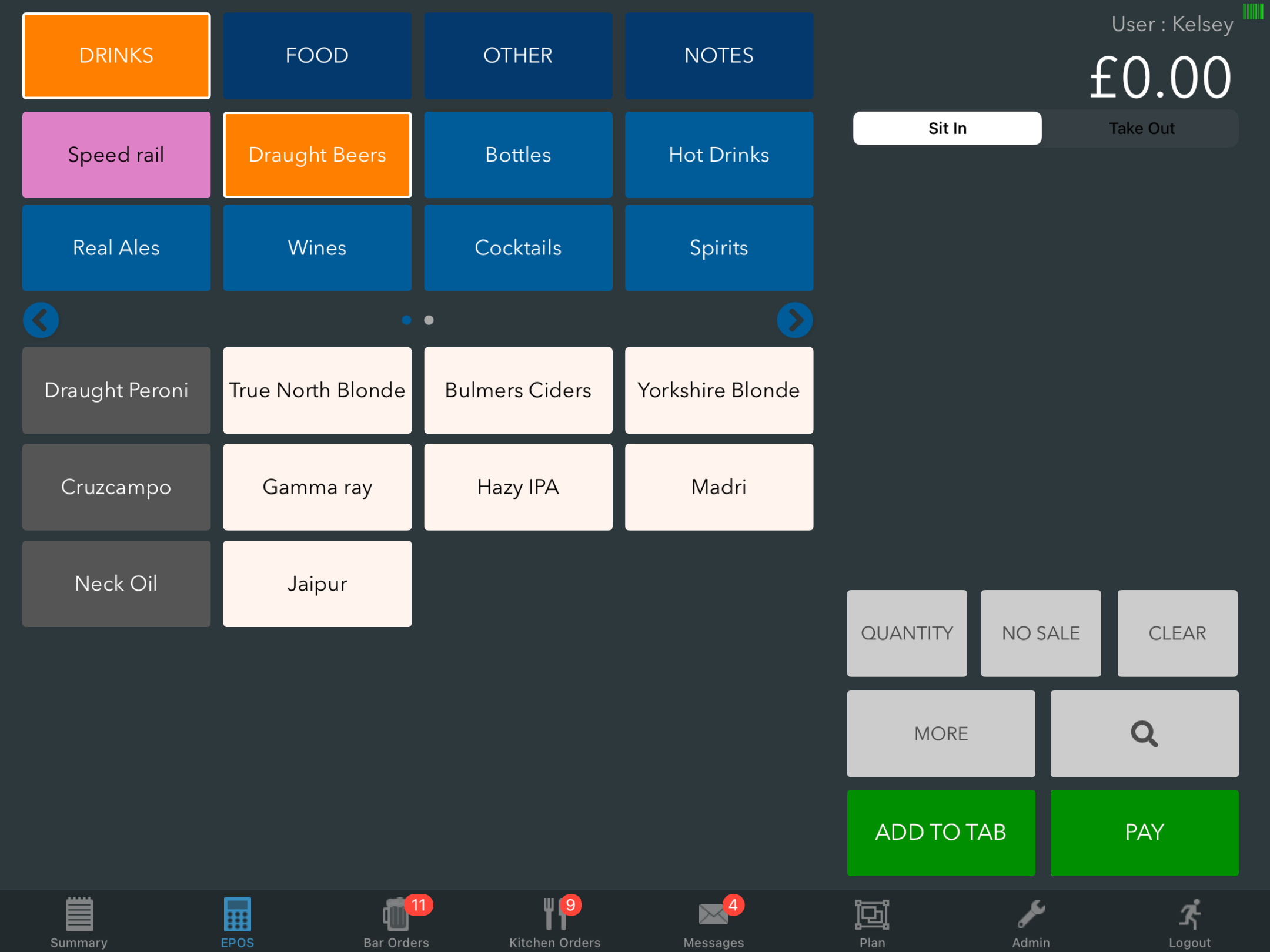
Press the button and you will be logged into the EPOS.
Was this article helpful?
That’s Great!
Thank you for your feedback
Sorry! We couldn't be helpful
Thank you for your feedback
Feedback sent
We appreciate your effort and will try to fix the article