If you need to resend or print a gift card because a customer has lost their original gift card receipt or can no longer find the email, you can do this from the EPOS.
Note: If a typo was made in the email address, you will need to resend the gift card from the back office, where you can correct the email.
To resend a gift card from the EPOS, go to the EPOS and click Admin from the bottom navigation bar. Then click the pink Loyalty button.
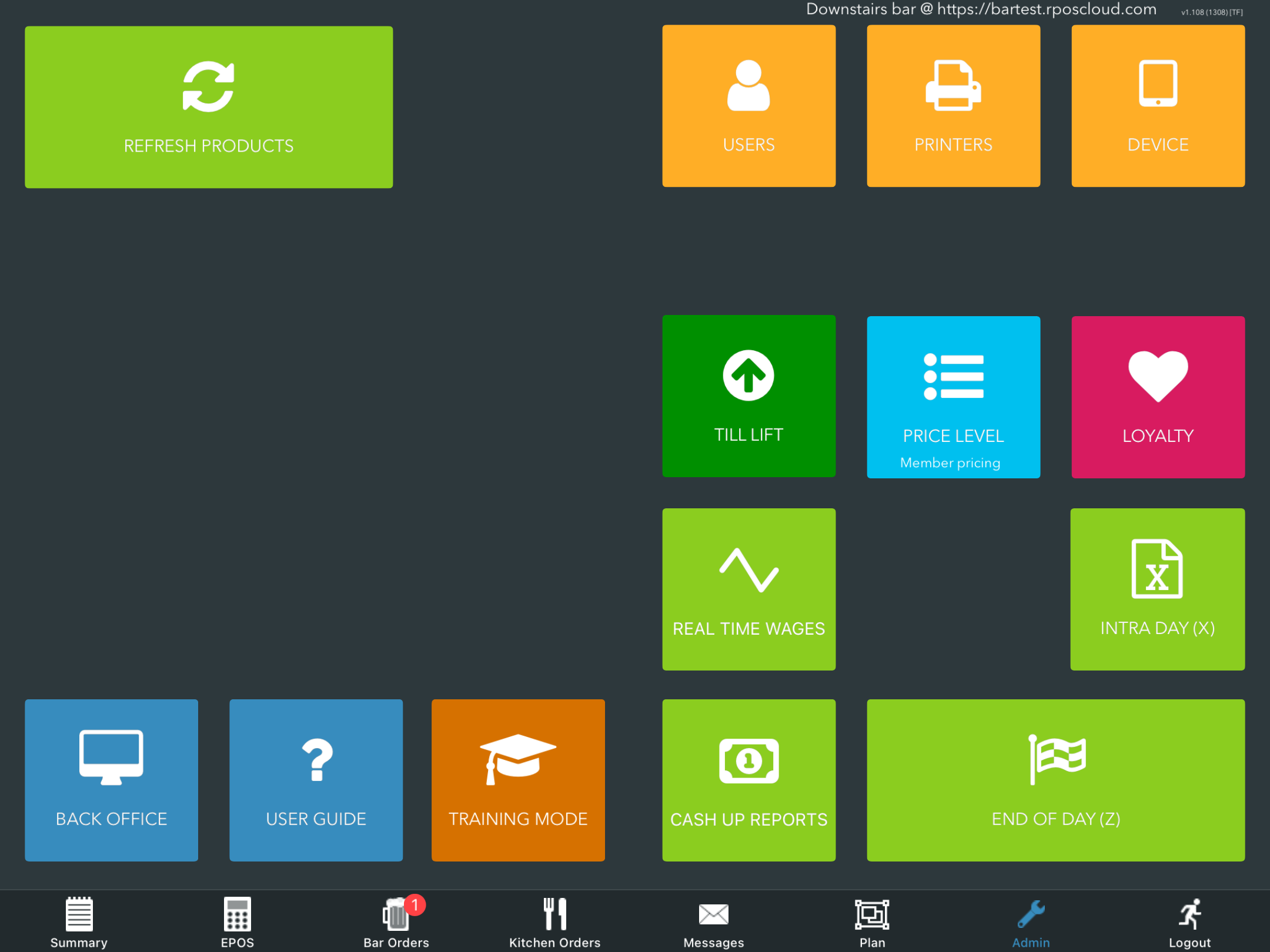
The Loyalty modal will display. Select the Gift cards tab.
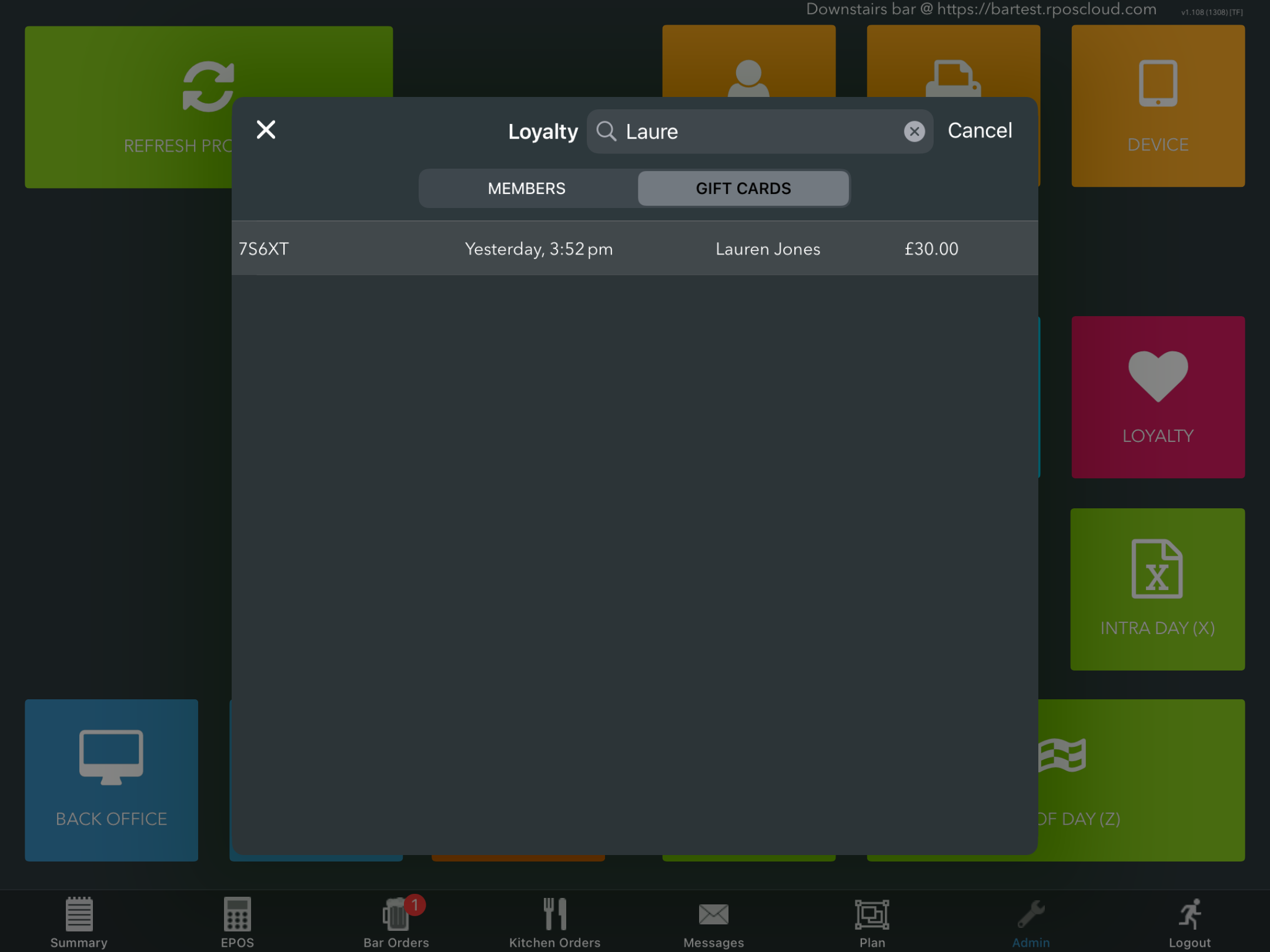
All gift cards will display. If you have a long list of gift cards, you can use the Search bar at the top to quickly and easily find the required gift card.
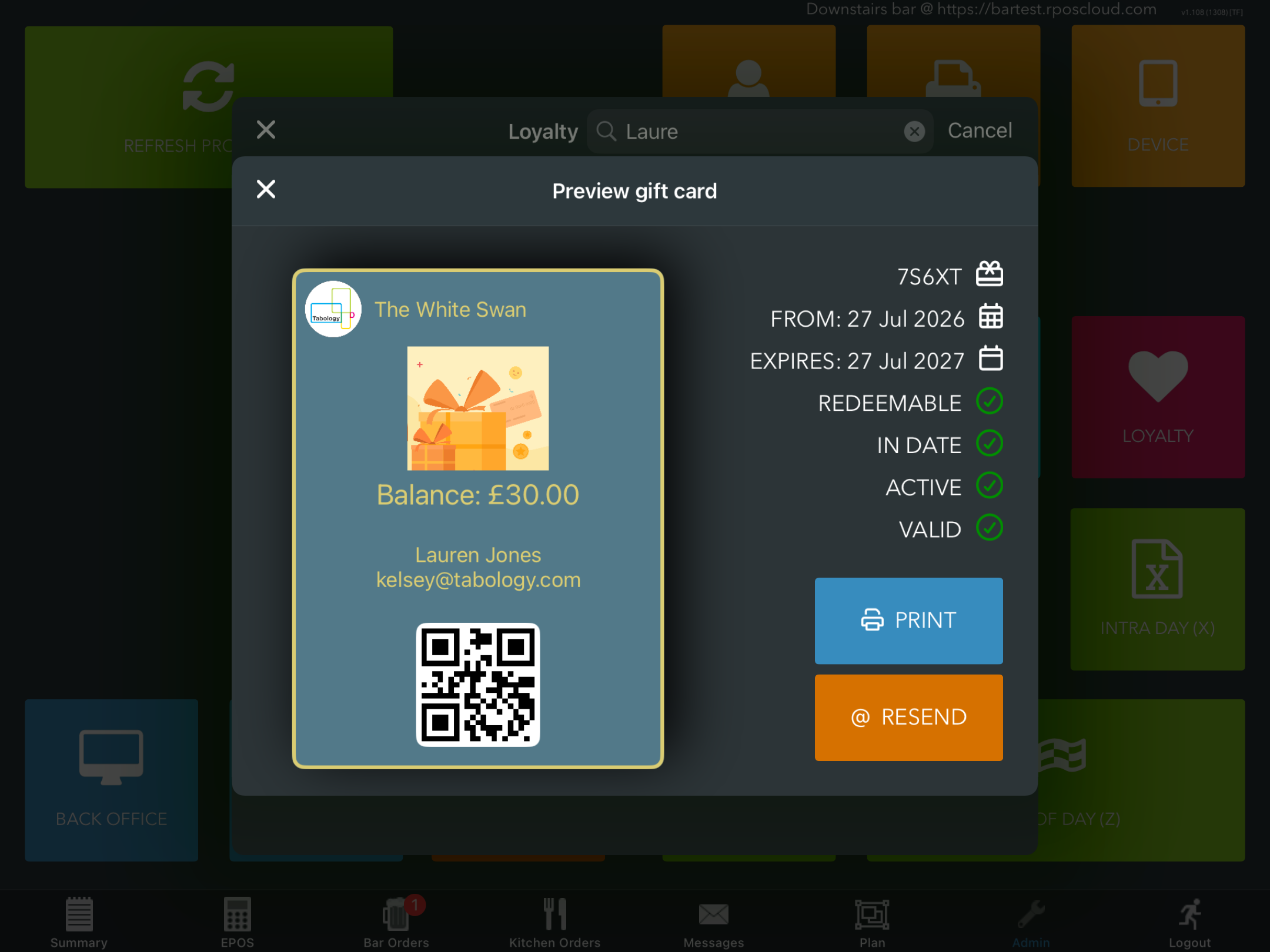
Click the gift card. The modal will display. Click the blue Print button to print a copy of your gift card, or click the orange Resend button to email the gift card.
If opting to resend via email, the gift card will be sent to the email address entered at the point of purchase.
Was this article helpful?
That’s Great!
Thank you for your feedback
Sorry! We couldn't be helpful
Thank you for your feedback
Feedback sent
We appreciate your effort and will try to fix the article