To quickly create a new user on your EPOS, go to the Admin Tab on your EPOS and press the orange Users button.
Press the Add New button on the top right of the screen.
Enter the name for the new user as you want it to appear on your EPOS.
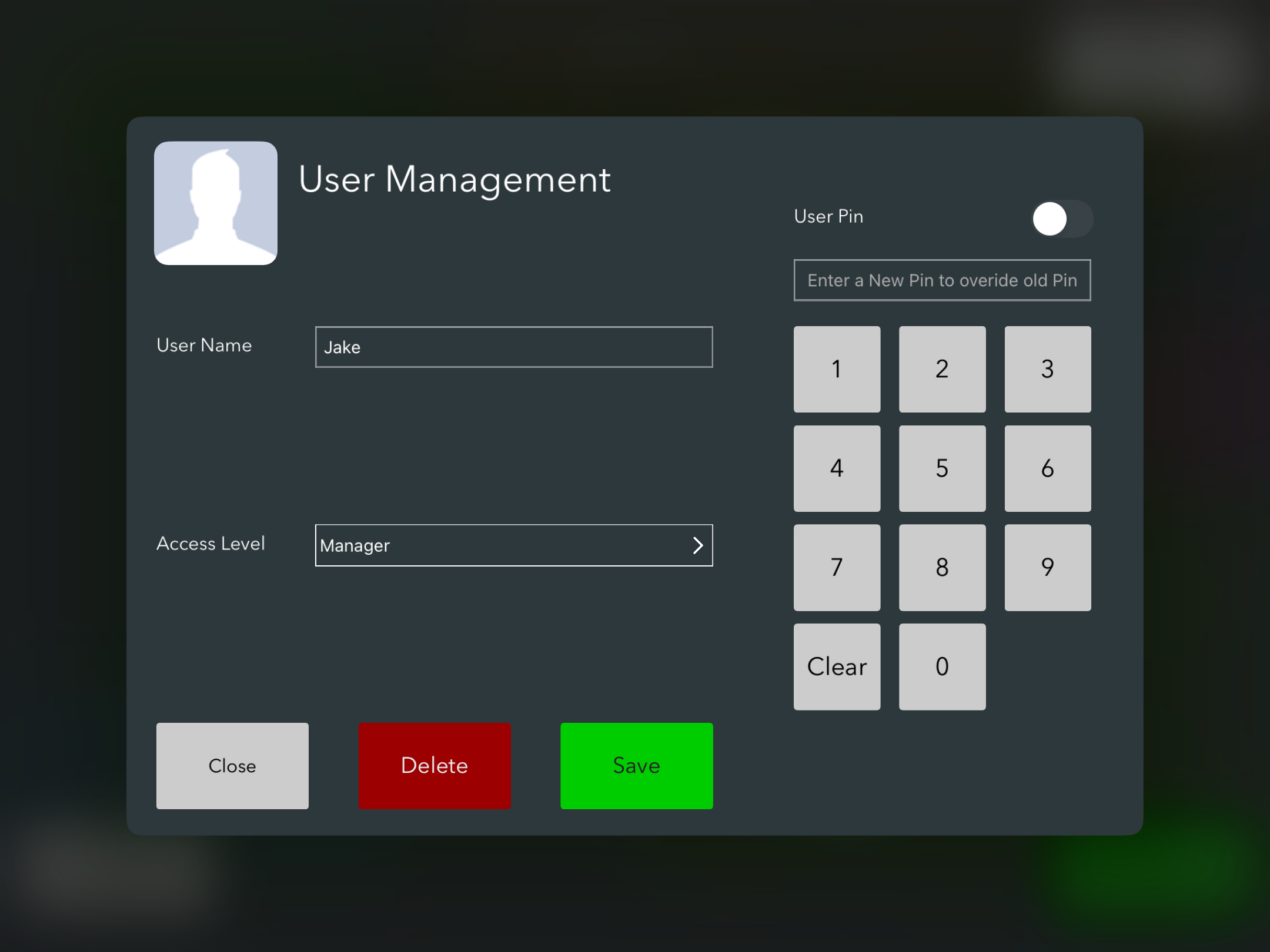
You can also set up new users in your back office, where you can ask them to set a password for back office administration access.
To provide pin access, switch the User Pin button to the right and then enter a 4 digit pin for the user.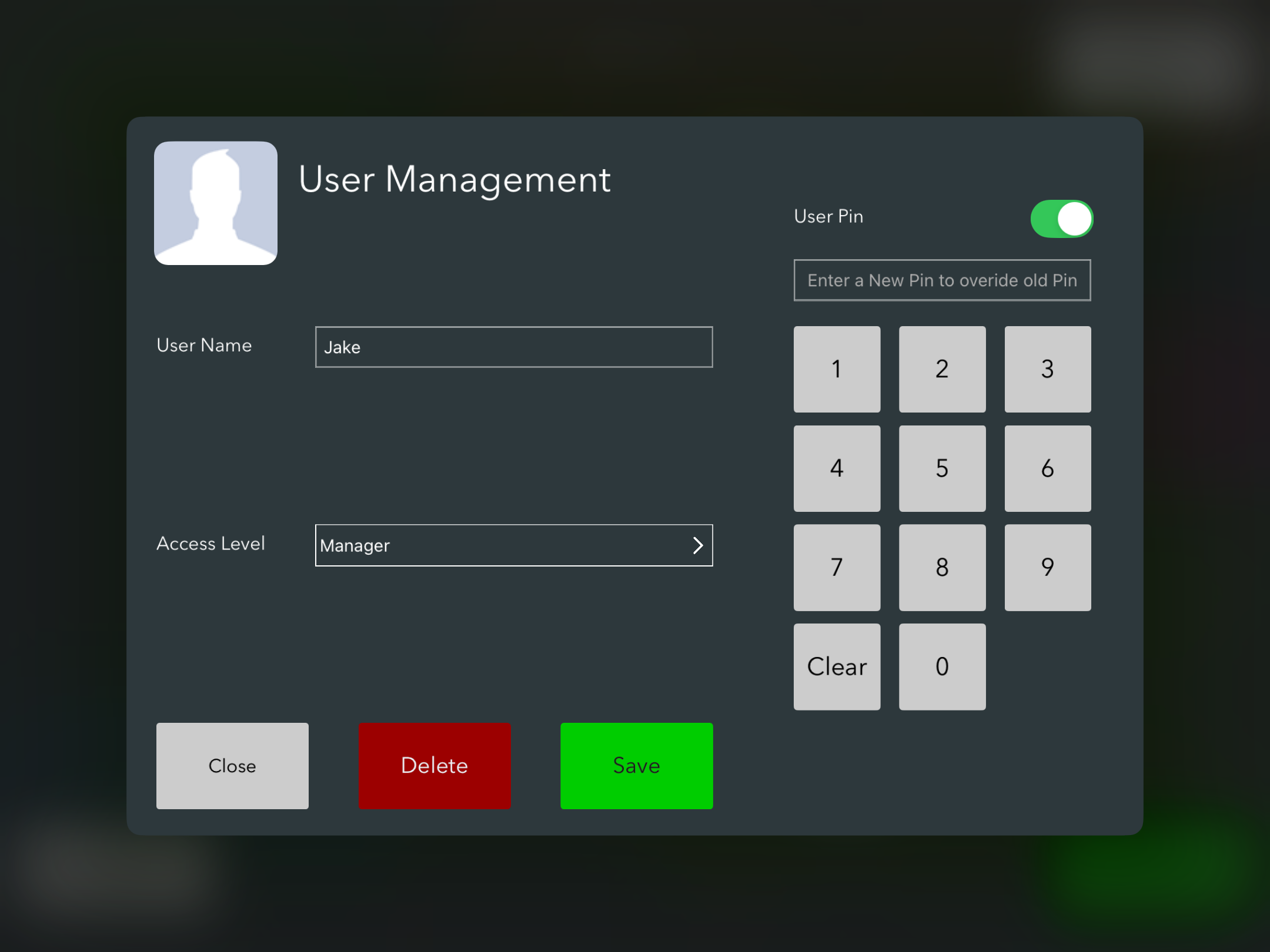
Press Save to create the new user and you will see them now appear in the users list, where you can specify if they are on shift.
Was this article helpful?
That’s Great!
Thank you for your feedback
Sorry! We couldn't be helpful
Thank you for your feedback
Feedback sent
We appreciate your effort and will try to fix the article